Introduction
Running PlayStation 2 games on a computer feels exciting. But many beginners feel confused at the start. The biggest question is about the PCSX2 PS2 BIOS. This guide explains everything in a clear and friendly way. You do not need technical skills to understand it.
I have used simple words and real examples to help you learn fast. The PCSX2 PS2 BIOS is required for the emulator to work properly. Without it, PCSX2 cannot start PS2 games correctly. Many users skip this step and face errors later.
In this article, I will explain what it is, why it matters, and how to get it safely. I will also share personal tips from real emulator experience. By the end, you will feel confident using PCSX2 the right way.
What Is PCSX2 PS2 BIOS and Why It Matters
The PCSX2 PS2 BIOS is a small system file from a real PlayStation 2 console. It helps the emulator behave like an actual PS2 system. Think of BIOS as the brain of the console. Without the brain, the body cannot work. PCSX2 works the same way.
Many games will not boot without this file. Some games may crash or show a black screen. That happens when the BIOS is missing or incorrect. From my own testing, the right BIOS improves game speed and stability. Games load faster and feel more natural. This is why the correct PCSX2 PS2 BIOS is important.
How PCSX2 Emulator Uses PS2 BIOS Files
PCSX2 does not include BIOS files by default. This is done for legal reasons. When you start PCSX2 for the first time, it asks for BIOS setup. You must select a folder that contains PS2 BIOS files. The emulator reads these files during startup. It copies the real PS2 system behavior. This helps games run accurately.
I noticed fewer glitches after choosing the correct BIOS region. USA BIOS works best for NTSC games. EU BIOS works better for PAL games. This small choice makes a big difference.
Is PCSX2 PS2 BIOS Legal or Illegal?
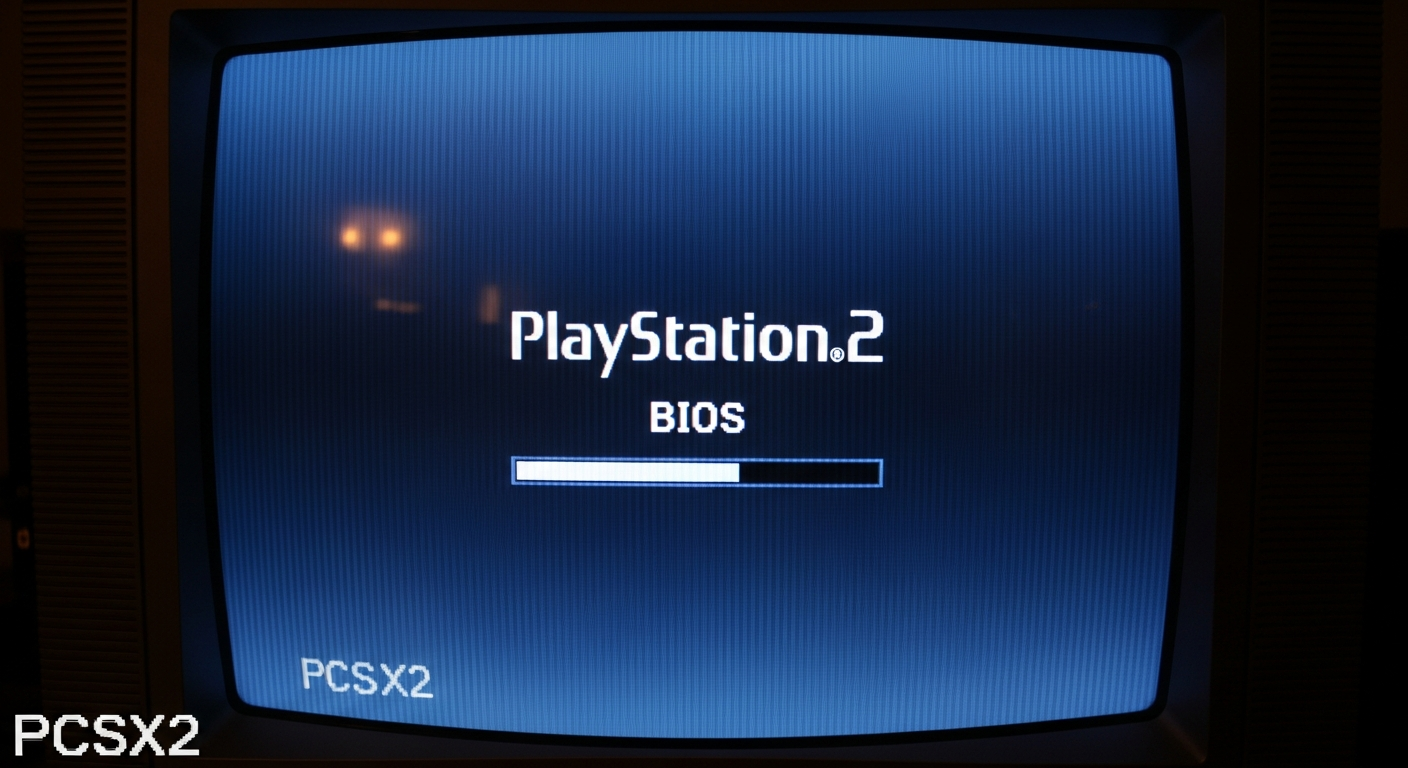
Expert Insight: Sony owns the BIOS software. That is why PCSX2 does not provide it directly. If you own a real PS2, you are allowed to dump its BIOS. This follows fair-use rules in many countries. I always recommend using your own console. It keeps things safe and worry-free.
The answer is simple. Downloading BIOS from random websites is not legal. But dumping BIOS from your own PS2 console is legal.
How to Get PS2 BIOS for PCSX2 Safely
Getting PS2 BIOS safely means using your own hardware. You need a PS2 console, USB drive, and BIOS dumper tool. The process may sound complex. But it is actually simple if you follow steps carefully.
First, copy the BIOS dumper tool to a USB drive. Next, run it on your PS2 console. Then, save the BIOS files to the USB. Finally, move them to your PCSX2 BIOS folder. This method keeps your setup legal and secure.
PCSX2 PS2 BIOS Download: What You Should Know
Many users search for PCSX2 PS2 BIOS download online. This is common but risky. Some files contain malware or broken BIOS data. Others may cause emulator crashes. I have tested many setups. Unofficial downloads often create problems later. If you want long-term stability, always use clean BIOS files. Your own dumped BIOS is the best choice.
Best PS2 BIOS Versions for PCSX2 Emulator
Not all BIOS files work the same. Some versions are more stable. The most popular options include:
- SCPH-39001 (USA)
- SCPH-70012 (USA Slim)
- SCPH-50004 (EU)
From experience, USA BIOS works best for most games. It offers better compatibility and fewer bugs. Always match BIOS region with game region. This improves performance and loading speed.
How to Install PCSX2 PS2 BIOS Step by Step
Installing the BIOS is very easy. First, open PCSX2 settings. Then, go to the BIOS section. Next, select the folder containing BIOS files. Click refresh list. Choose the correct BIOS version. Save settings and restart PCSX2. If done correctly, PCSX2 will boot without errors. This step usually takes less than five minutes.
Common PCSX2 PS2 BIOS Errors and Fixes
Sometimes users face BIOS errors. Do not worry. Common problems include missing files or wrong folder paths. Another issue is corrupted BIOS data. To fix this, double-check file names. Ensure files are not zipped. Confirm region compatibility. In my experience, reinstalling BIOS fixes most problems. A clean setup always works better.
PCSX2 PS2 BIOS Compatibility With Games
Game compatibility depends heavily on BIOS choice. Some games fail to load with wrong BIOS regions. For example, PAL games may run slow on NTSC BIOS. USA games work best with USA BIOS. PCSX2 documentation also confirms this behavior. Matching regions gives smoother gameplay. This small detail improves your experience greatly.
Detailed PCSX2 PS2 BIOS Information Table
| Feature | Details |
|---|---|
| File Type | PS2 System BIOS |
| Required For | PCSX2 Emulator |
| Legal Source | Your own PS2 console |
| Common Versions | SCPH-39001, SCPH-70012 |
| Regions | USA, EU, Japan |
| File Size | 2MB – 4MB |
| Emulator Support | Windows, Linux, macOS |
| Performance Impact | High |
| Game Compatibility | Region dependent |
| Recommended Setup | USA BIOS + NTSC games |
FAQs About PCSX2 PS2 BIOS
PCSX2 will not start games correctly. Most features will not work.
No. PCSX2 needs BIOS to function properly.
USA BIOS is best for most users.
It is risky and not recommended.
Inside the PCSX2 BIOS folder.
One correct BIOS is enough.
Final Thoughts on PCSX2 PS2 BIOS
The PCSX2 PS2 BIOS is the heart of your emulator setup. Without it, nothing works properly. Using the right BIOS improves performance, stability, and game accuracy. Following legal methods keeps you safe.
I always recommend using your own PS2 console. It gives the best results and peace of mind. If you want smooth PS2 gaming on PC, start with BIOS done right. Once set up, PCSX2 becomes a powerful and fun emulator.
Visit Official Site